





Confirm the Supply Role
Industrial natural gas generators need a project-specific review. Site teams list each load and its planned hours of use. They note which loads run together and which need power during an outage. Qualified staff review these inputs against the actual model.
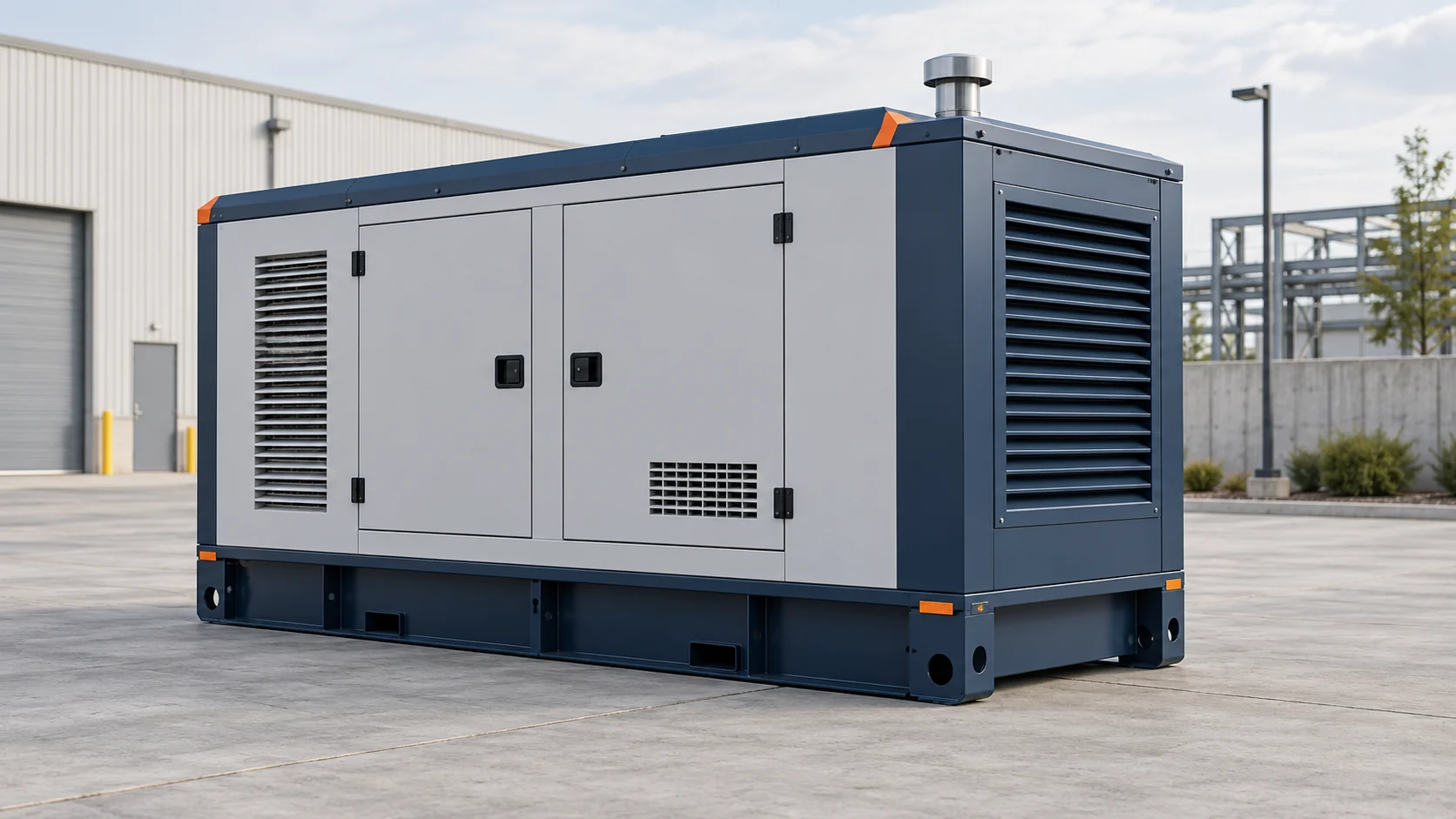
Define the required supply role before comparing industrial generators. A commercial and industrial site may need backup power or prime power. The maker’s actual rating and duty limits must suit that role. A fuel label does not set the rating.
Facilities such as data centers still need their own load and duty plan. Confirm which loads the generators power at each planned stage. Qualified staff review the power supply and expected load changes. No single site profile fits every project.
Check Fuel and Supply Conditions
Natural gas power planning starts with the actual fuel needs. Obtain the available gas quality and supply-pressure data from the provider. Qualified staff compare those data with the selected maker’s requirements. Confirm the planned supply for the proposed use.
For natural gas generators including standby units, check the approved fuel for each model. A unit may run on natural gas only within its stated fuel requirements. This article does not establish that other gas types are suitable.
Ask the fuel provider which supply conditions and limits apply to the site. Keep that response with the current model data. Gas power generation proposals should use these actual inputs. A supply assumption is not proof of operation during an outage.
Match Loads to the Model
Review power generation equipment using the selected maker’s rating and site data. The manufacturer project-planning discussion describes different supply roles and project settings. It does not provide a universal rating for every site. Confirm the actual model’s permitted conditions.
Give qualified engineers the actual loads, voltage and phase needs. They check the proposed equipment against the site’s power systems and drawings. Compare each industrial natural gas generator with those inputs. This guide does not supply electrical design calculations or settings.
Record the expected load changes and any constraints stated in the model documents. Qualified staff review the proposed electrical connections and protection scope. Keep the current drawings available with the offer. Final design decisions require the actual project data.
Review Site and Project Requirements
Give qualified staff the site data, space limits and access needs. They review the maker’s layout, airflow and exhaust needs.
Include access for service work. Use these details to request a site review. They are not steps for fitting the equipment.
Qualified staff confirm the local requirements that apply to the project. They also review any planned grid connection where relevant. Heat recovery is an optional project choice. Its review needs actual heat and power demands that coincide, plus a sound cost assessment.
Assess Cost Effectiveness and Service
Compare equipment quotes, expected duty, fuel inputs and the agreed service scope. Use actual model data when reviewing fuel efficiency. Keep maintenance cost assumptions clear over the long term. These inputs help compare cost effectiveness; they do not guarantee a saving.
Arrange operation and maintenance support for the actual equipment and agreed tasks. Fuel, load and site-condition records can support a qualified service review. Follow the current maker-approved plan. This article does not authorize changes to the model’s maintenance intervals.
Compare Offers and Keep Records
Compare offers for commercial natural gas generators using the same inputs. Ask which equipment, documents and services each price includes. Review generator configurations against the actual model and project scope. Compare proposed power solutions on this common basis.
Keep the selected model, offer scope, approved settings and service contacts together. Record the agreed checks and handover documents. Confirm who will review each item with the site team. Clear records support later review; they do not replace the approved design.